Share your For You feed in three steps
Getting your data from a platform takes a little while, so the process happens in steps.
Request a copy of your personal data
Every platform lets you download the data it holds about you. Pick your platform and follow the steps. The request itself takes about two minutes.
How to get your personal data from TikTok
TikTok data is requested from the TikTok Settings and Privacy section in the app. It usually takes a few minutes to a day until it's ready to download. You can do this in the TikTok app or in a browser at tiktok.com.
- In the TikTok app, tap Profile, open the menu (☰) and choose Settings and privacy — or on tiktok.com, click your profile picture and choose Settings.
- Go to Account → Download your data (on the website, look under Privacy).
- Select All data (or at least your Activity) and choose JSON as the file format, then tap Request data.
- When your file appears under the Download data tab, download the .zip.
- Unzip it and upload the user_data_tiktok.json inside. You review everything before it is shared.
How to get your personal data from Instagram
Instagram data is requested through Meta's Accounts Centre. It usually takes from a few minutes up to a day before your file is ready.
- In the Instagram app, open your profile, tap the menu (☰), then Your activity → Download your information — or go to Accounts Centre → Your information and permissions in a browser.
- Choose Download or transfer information and select your Instagram account.
- Pick All available information (simplest), or "Some of your information" with at least Likes, Story interactions and Ads information selected.
- Choose Download to device, set Date range to All time and Format to JSON, then create the file.
- Instagram notifies you when the .zip is ready. Download it and upload it here as-is — no need to unzip. Only the activity files are read, and you review everything before it is shared.
How to get your personal data from YouTube
YouTube data comes through Google Takeout. The export usually arrives within minutes, occasionally hours.
- Go to takeout.google.com and sign in with the Google account you use for YouTube.
- Click Deselect all, then tick only YouTube and YouTube Music.
- Click All YouTube data included and keep at least history, comments and playlists.
- Click Multiple formats and set History to JSON.
- Continue with Export once and create the export. Google emails you a download link when it is ready.
- Download the .zip and upload it here as-is — no need to unzip. Only your watch history and activity files are read, and you review everything before it is shared.
While you wait: Take a guided tour of the Hub
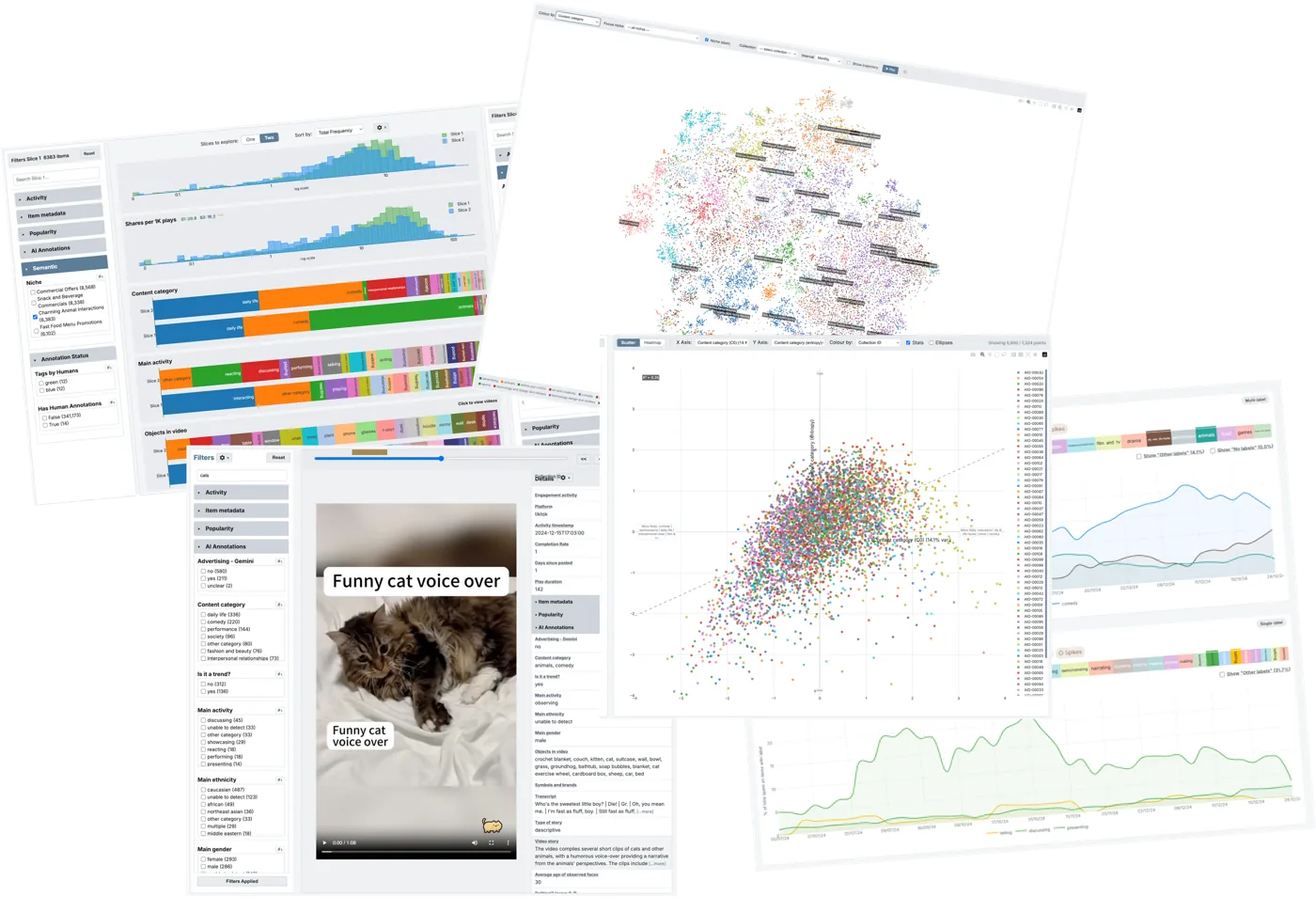
The platform is preparing your file, which usually takes somewhere between minutes and a couple of days. Perfect time to see what your data will unlock. Create an account (it takes a minute, just an email and a password) and we'll walk you through the Hub: the analysis tools, the semantic map of hundreds of thousands of videos, and the short-video persona you'll get from your own feed.
Your data is ready: share it and explore
Sharing happens entirely on your terms. You review the file in your browser first, see exactly what's inside, remove anything you like, and nothing leaves your device until you consent. The moment you share, the Hub builds your short-video persona: your archetype, viewing rhythms and rewatch habits, and how you compare with other short-video watchers. Log in and you'll land right where sharing starts. No account yet? Signing up takes a minute.